LEVEL DESIGN: how to work with Modules

In this article, I will talk about my previous experience with Modularity in Level Design.
What is Modular Level Design?
Modules, in Level Design, are pieces that can be joined to compose the gameplay environment. Designing with modules is pretty much like playing with LEGO:
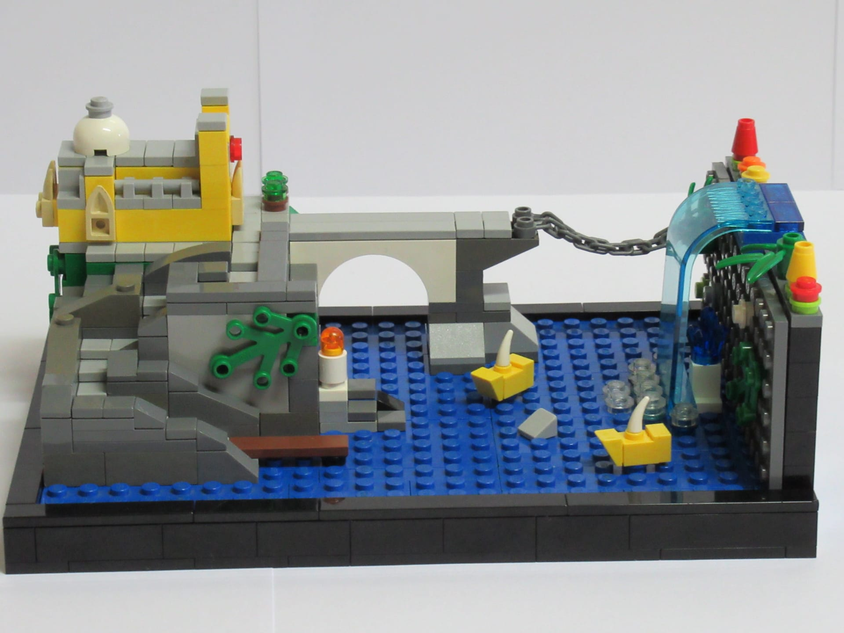
For example: you can clone a sequence of blocks to make a wall, you can combine a sequence of floor tiles to make a terrain, and so on…
What are the benefits of Modular Level Design?
Modular Level Design is great for performance optimization and, well… level designing.
Why is it good for performance optimization? Because it makes object pooling much easier.
Why is it good for level designing? Because it allows the designer to quickly and freely arrange objects around the scene.
What do modules look like?
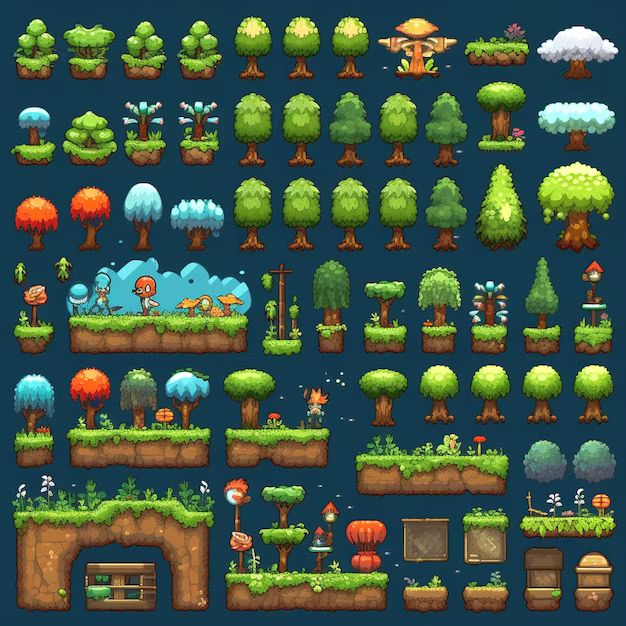
In a 2D game, a level module can be sprites such as these, that can be cloned and combined to form a scenario:
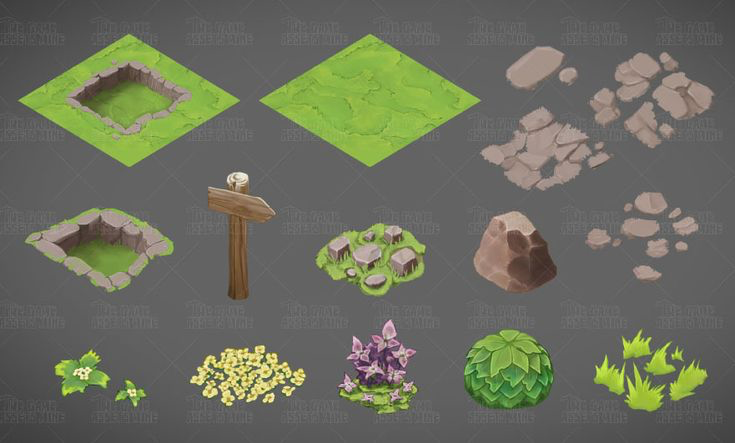
While in a 3D game, level modules can be models like these:
Tips for making modules
- Modules should be designed on a grid, to ensure the correct sizes and proportions for a nice fit
- Modules should be scaled properly before being imported into the Game Engine, so the Level Designer won’t need to waste time figuring out the correct scales in the game engine
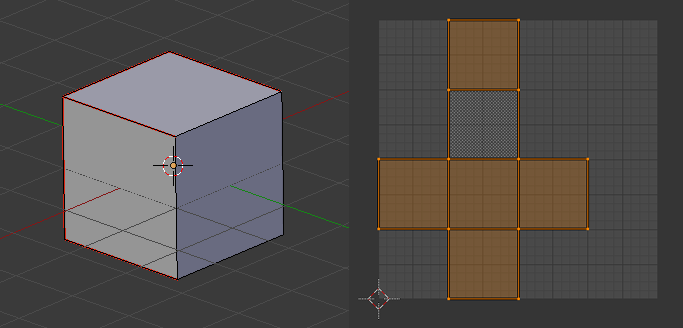
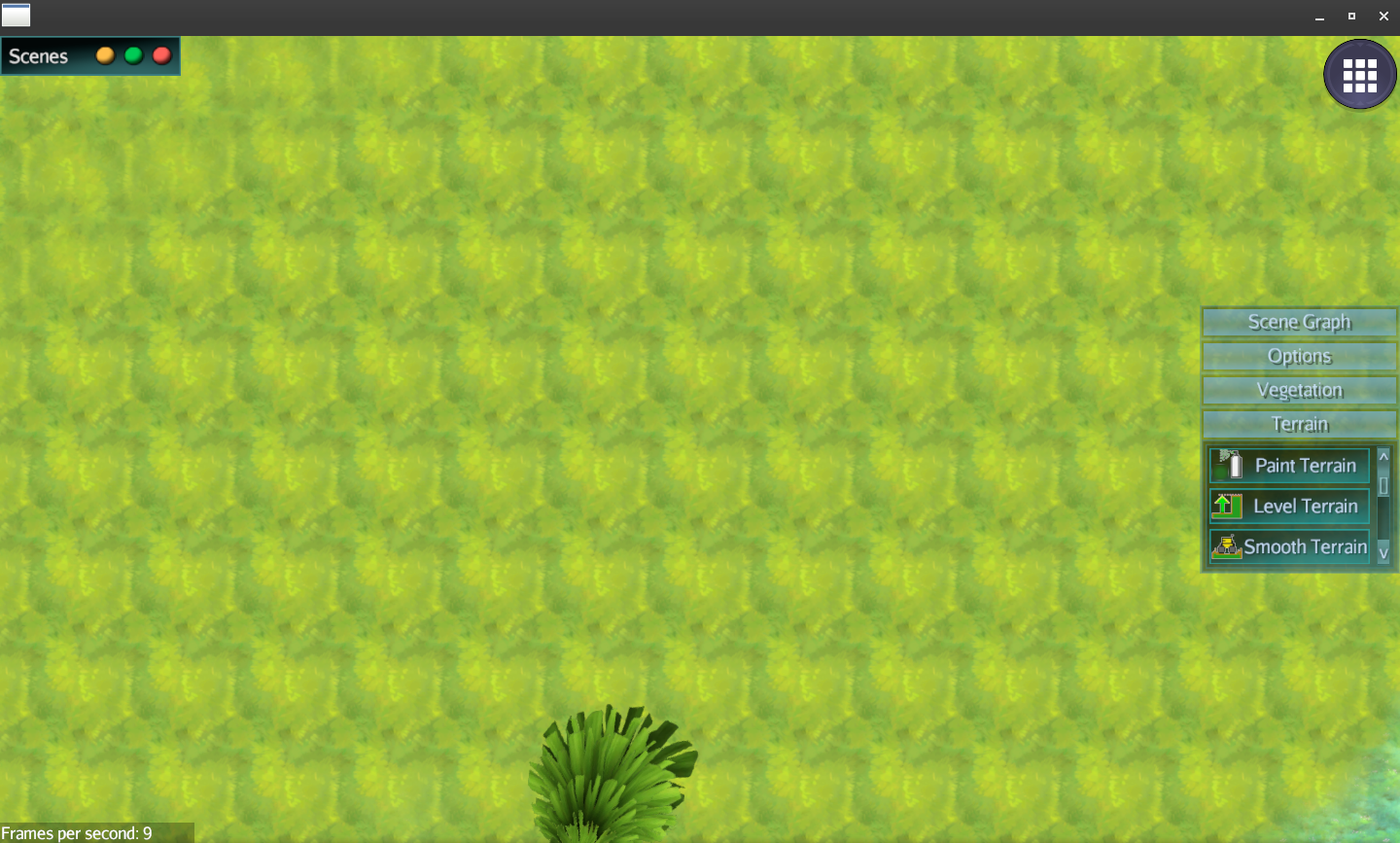
- Modules that are going to be cloned and repeated (such as terrain tiles and long walls) need seamless textures to prevent looking cloned like this:
- A module can have different textures (for example: a clean and a dirty one) as long as these textures are painted over the same UV map